
DAZN (say it “da-zone”) is a sports-only streaming service best known in the US for boxing, but there is more on it than fight nights. This guide covers what DAZN shows, what each plan costs in 2026, which devices it works on and how to sign up.
What Can You Watch on DAZN?
- Boxing: more than 185 fight nights a year from the major promoters, plus pay-per-view cards.
- Soccer: including every Serie A game.
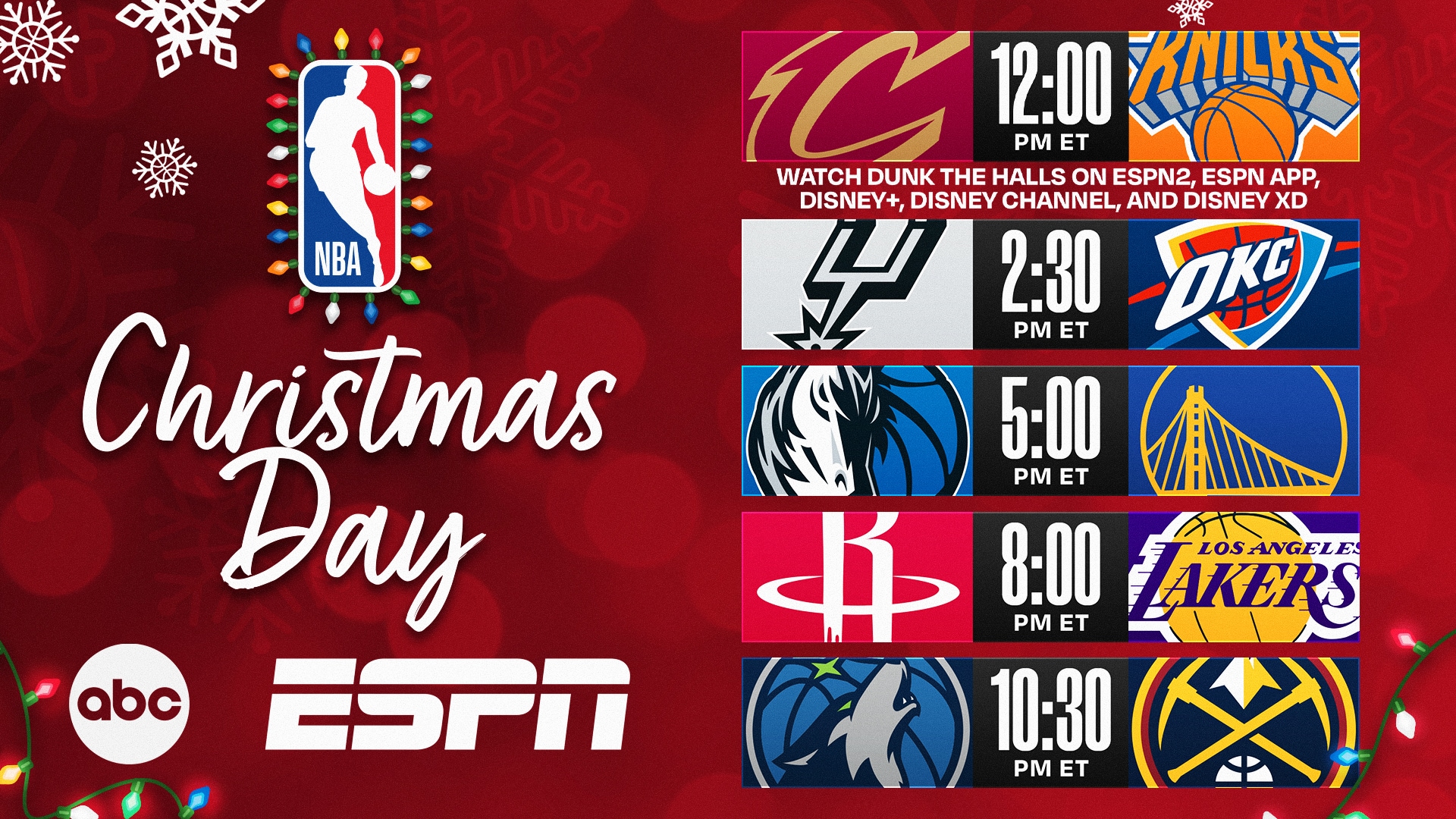
- Local teams: DAZN now streams in-market games for a number of NBA, NHL and MLB teams, such as the Spurs, Pacers, Cavaliers, Grizzlies and Timberwolves in the NBA, and the Knicks, Nets, Rangers and Yankees through its regional network deals. These are sold as separate team passes.
- Extras: MMA, golf, motorsports and a set of free linear channels.
What DAZN shows depends on the country you are in, so the lineup above applies to US accounts.
How Much Does DAZN Cost in 2026?
| Plan | Price | Good to know |
|---|---|---|
| Free account | $0 | Email sign-up only. Free channels and selected free games. |
| Standard, monthly | $34.99 a month | Most flexible. Cancel with 30 days’ notice. |
| Standard, annual paid monthly | $24.99 a month | 12-month commitment. |
| Standard, annual paid upfront | $249.99 a year | Lowest overall price for the Standard plan. |
| Ultimate | $44.99 a month for 12 months, or $449.99 a year | Includes at least 12 pay-per-view events a year. |
Local team passes are priced separately and vary by sport and franchise. DAZN has changed its prices more than once this year, so confirm the current figure at checkout before you commit to an annual plan.
Standard or Ultimate: Which One Do You Need?
It comes down to pay-per-view. On Standard, the biggest fights cost extra each time. Ultimate bundles those pay-per-view events into the subscription. If you expect to buy several big fights a year, Ultimate usually works out cheaper. If you mostly watch regular fight nights and soccer, Standard is enough.
Which Devices Support DAZN?
- Smart TVs: Samsung, LG, Sony, Hisense and Android TV models
- Streaming devices: Amazon Fire TV and Fire TV Stick, Apple TV, Google Chromecast
- Game consoles: PlayStation 4 and 5, Xbox One and Xbox Series X/S
- Phones and tablets: iPhone, iPad, Android and Amazon Fire tablets
- Computers: any supported web browser
How to Sign Up for DAZN
- Download the DAZN app on your TV, streaming device, phone or tablet, or open DAZN in a browser.
- Select “Get started” and create an account with your email address.
- Browse the free content, or go to the sport, team or event you want.
- Choose a plan, enter your payment details and confirm.
- Sign in with the same account on your other devices.
Can You Watch DAZN for Free?
Partly. A free account unlocks DAZN’s free channels and a selection of free live games, which is a good way to test the app on your devices before paying. The main boxing schedule and most live sports need a paid plan.
The Bottom Line
DAZN is an easy call for boxing fans and worth a look if your local team has moved there. Start with the free account, pick monthly if you only want a fight or two, and go annual once you know you will use it all year.
Prices and plans are as listed in November 2026 and are subject to change.